

In an era where smartphones are extensions of our very beings, their potential to either propel us forward or pull us into distraction has never been more pronounced. As we navigate 2026, with global screen time averages soaring to new heights, experts urge a reevaluation of our digital habits. This comprehensive guide draws from recent studies, user testimonials, and tech innovations to offer practical strategies for transforming your smartphone from a time-sink into a productivity powerhouse.
Smartphones have revolutionized how we work, learn, and connect. According to a 2025 report by the Digital Wellbeing Institute, the average adult spends over 7 hours daily on their devices – a figure that’s climbed steadily since the pandemic era. Yet, this ubiquity comes at a cost: diminished focus, increased anxiety, and a blurred line between work and leisure. “The key isn’t to abandon technology,” says Dr. Elena Vasquez, a behavioral psychologist at Stanford University, “but to harness it mindfully.” In this article, we’ll explore evidence-based tips to make your smartphone work for you, not against you, while weaving in real-world examples and expert insights.
Rethinking Your Home Screen: The Gateway to Focus
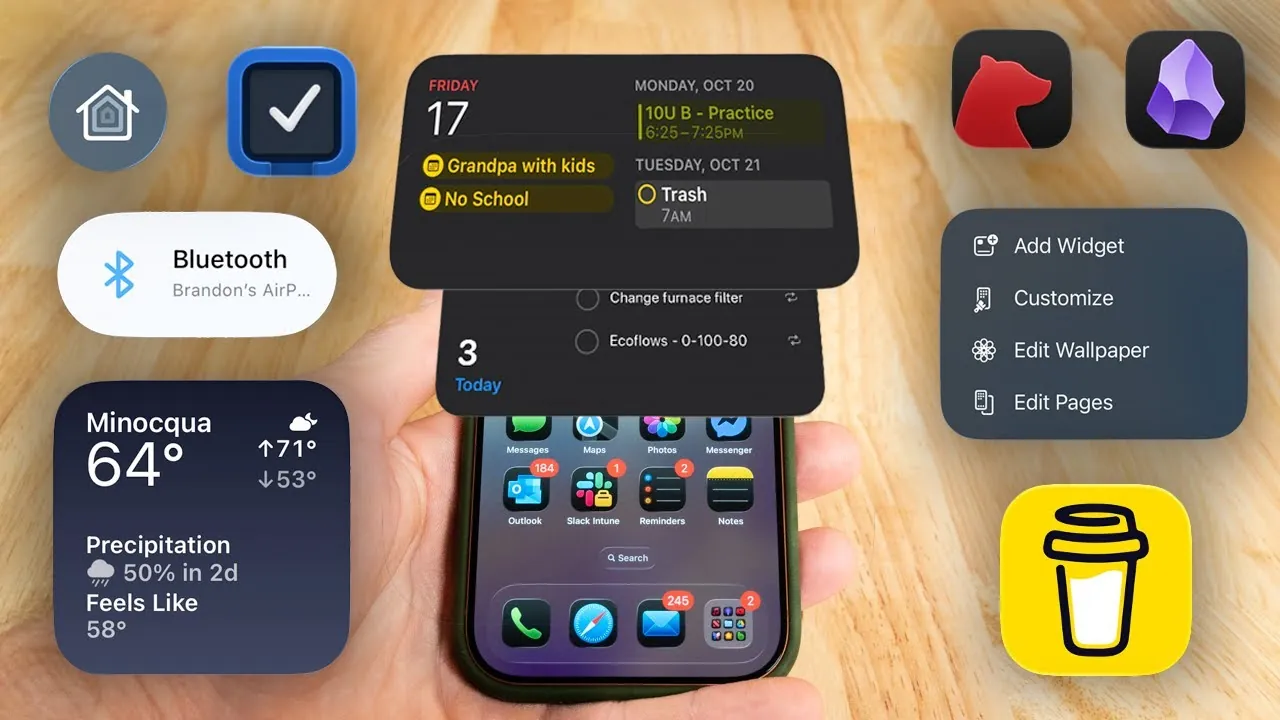
The home screen is the first thing you see when unlocking your phone – a digital billboard that can either inspire action or lure you into endless scrolling. A study published in the Journal of Behavioral Addictions in 2025 found that cluttered home screens correlate with higher procrastination rates. To combat this, start by auditing your apps. Remove or hide time-wasters like social media platforms that aren’t essential for your daily routine. Instead, prioritize tools for productivity: email clients, note-taking apps, and calendars.
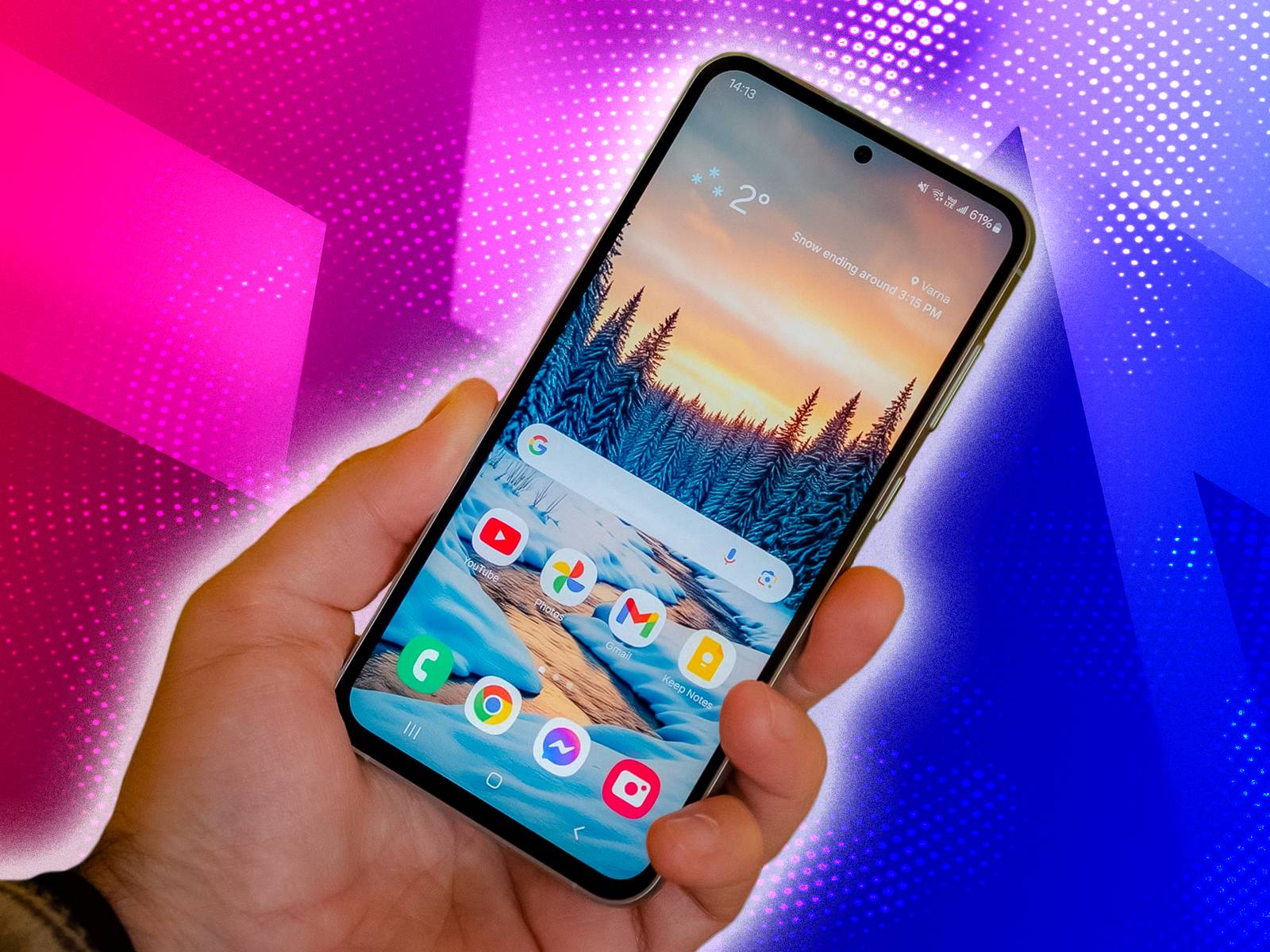
Consider the case of Maria Lopez, a freelance graphic designer from Jakarta. “I used to waste hours on TikTok right after waking up,” she shares. “Rearranging my home screen to feature only work-related apps changed everything. Now, my first glance reminds me of my goals.” Tech giants like Apple and Google have made this easier with features like app libraries and folders. For Android users, long-press an app to hide it; iOS offers similar functionality via the App Library.
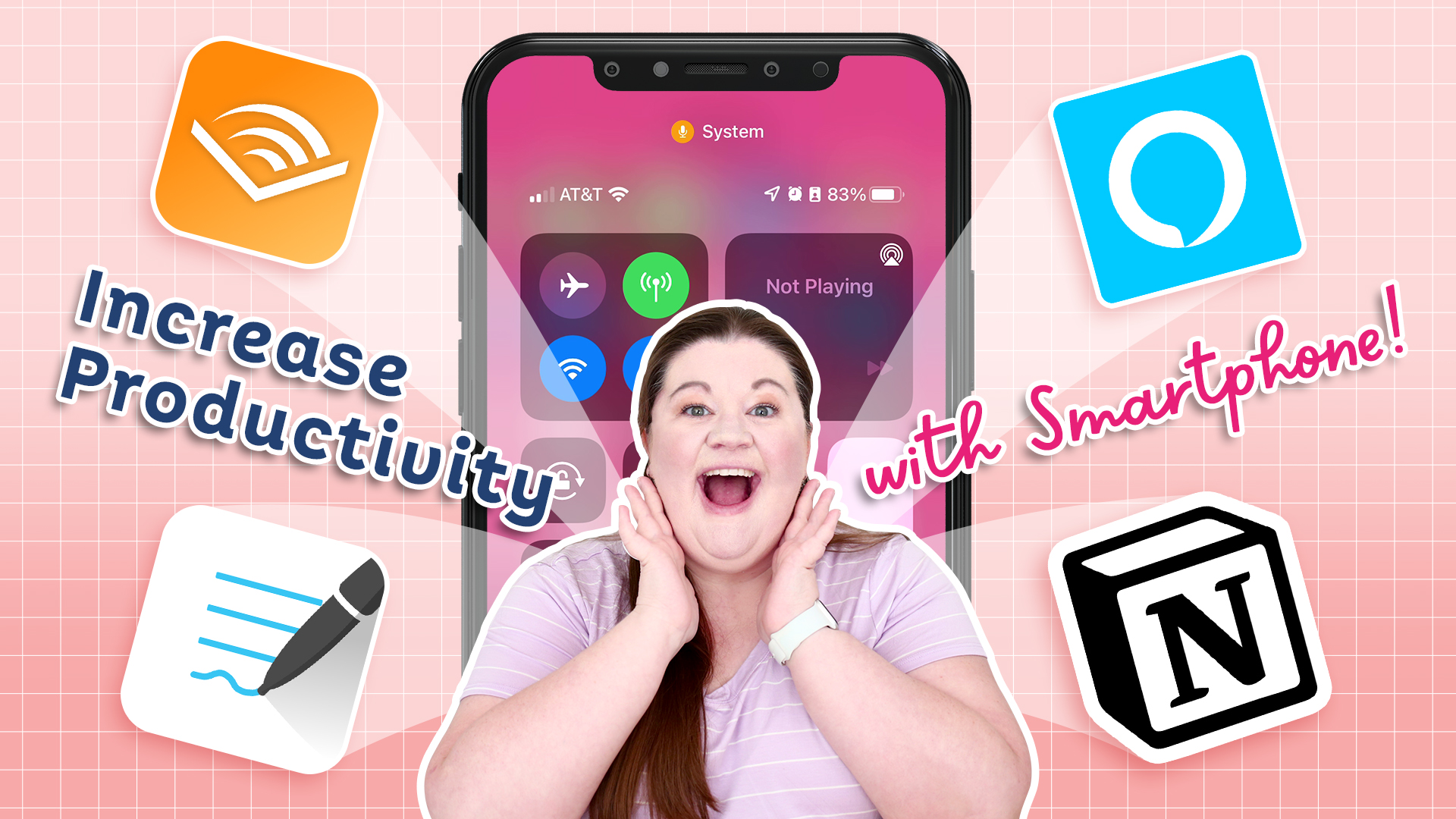
Visualizing this setup can help: Imagine a clean interface with icons for Google Workspace, Evernote, and a habit tracker prominently displayed. This simple tweak can reduce app-switching time by up to 30%, per a 2024 usability study from Nielsen Norman Group.
Harnessing Built-in Features for Time Management
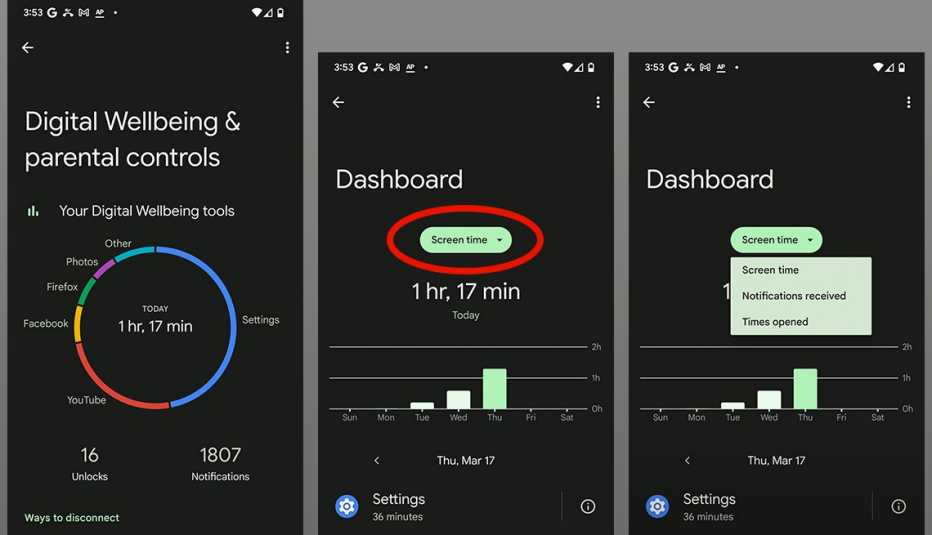
Modern smartphones come equipped with robust tools designed to curb overuse. Apple’s Screen Time and Android’s Digital Wellbeing provide detailed insights into your usage patterns. Set daily limits on non-essential apps – for instance, cap social media at 30 minutes – and enable downtime modes to silence notifications during focused hours.
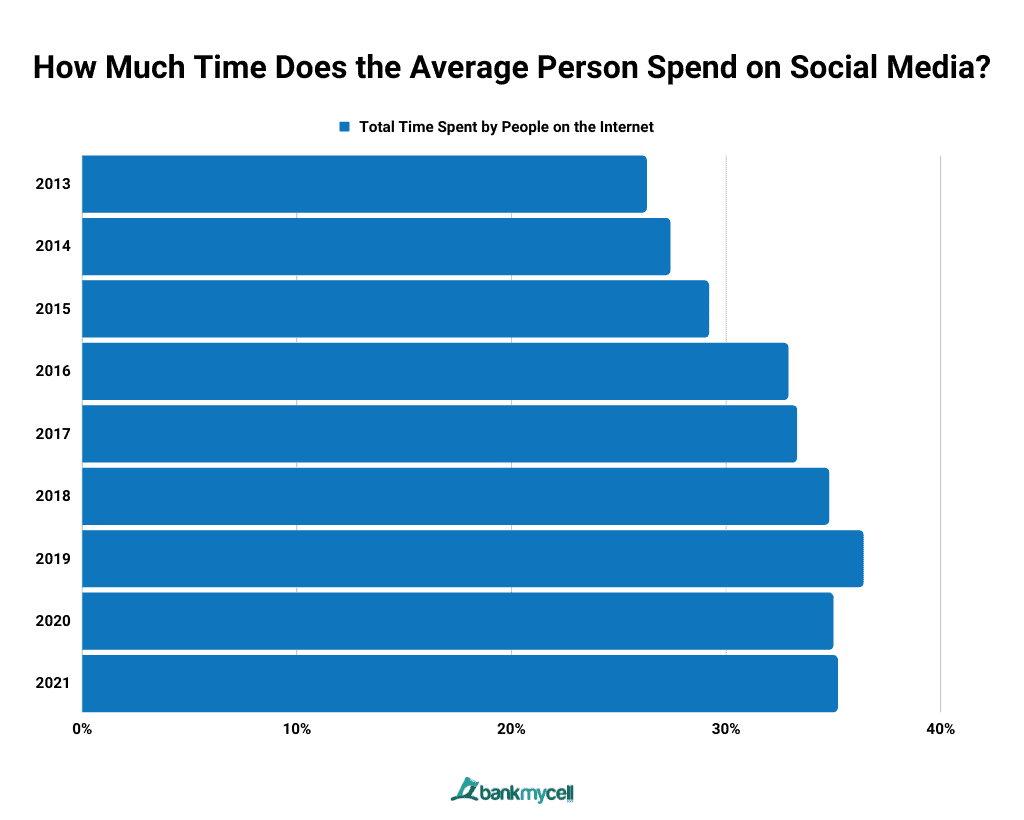
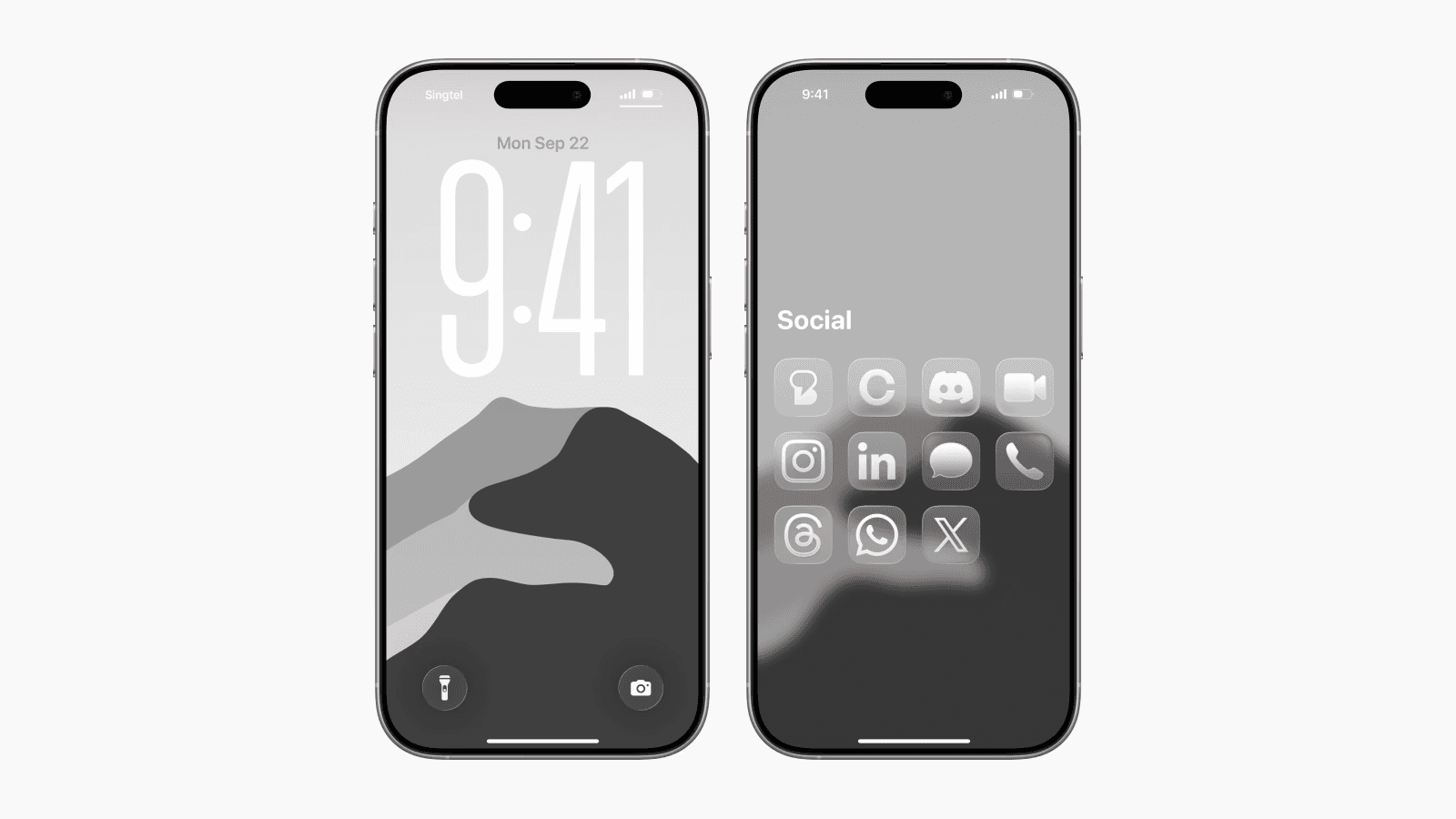
Statistics paint a stark picture: The average smartphone user checks their device 150 times a day, according to a 2026 Pew Research Center survey. By activating grayscale mode, which desaturates your screen to black and white, you make the device less visually appealing, discouraging mindless browsing. “It’s like turning down the volume on distractions,” explains tech analyst Raj Patel from Gartner. This mode, available in accessibility settings, has been shown to cut screen time by 20% in pilot studies.
Delve deeper into productivity techniques like the Pomodoro method, where you work in 25-minute bursts followed by short breaks. Apps like Focus Booster integrate seamlessly with your phone’s timer. A 2025 meta-analysis in Productivity Science Journal confirmed that Pomodoro users report 25% higher task completion rates. For those in high-pressure jobs, like Jakarta’s bustling tech startups, this can mean the difference between burnout and balance.
Curating Notifications: Reclaiming Your Attention
Notifications are the digital equivalent of constant interruptions – and they’re engineered to hook you. A Harvard Business Review article from late 2025 estimates that each notification costs about 23 minutes of refocused time. To counter this, customize your alerts ruthlessly. Allow only critical ones: work emails, family messages, or calendar reminders. Use Do Not Disturb during meetings or deep work sessions, and batch notifications to appear at set intervals.
In Indonesia, where WhatsApp reigns supreme for both personal and professional communication, this is particularly relevant. Entrepreneur Ahmad Setiawan from Surabaya notes, “Grouping notifications into summaries twice a day freed up my mornings for strategic planning.” Features like Android’s Adaptive Notifications and iOS’s Focus modes let you create profiles for different scenarios – work, exercise, or family time – ensuring your phone adapts to your life, not vice versa.

Leveraging Apps for Peak Productivity
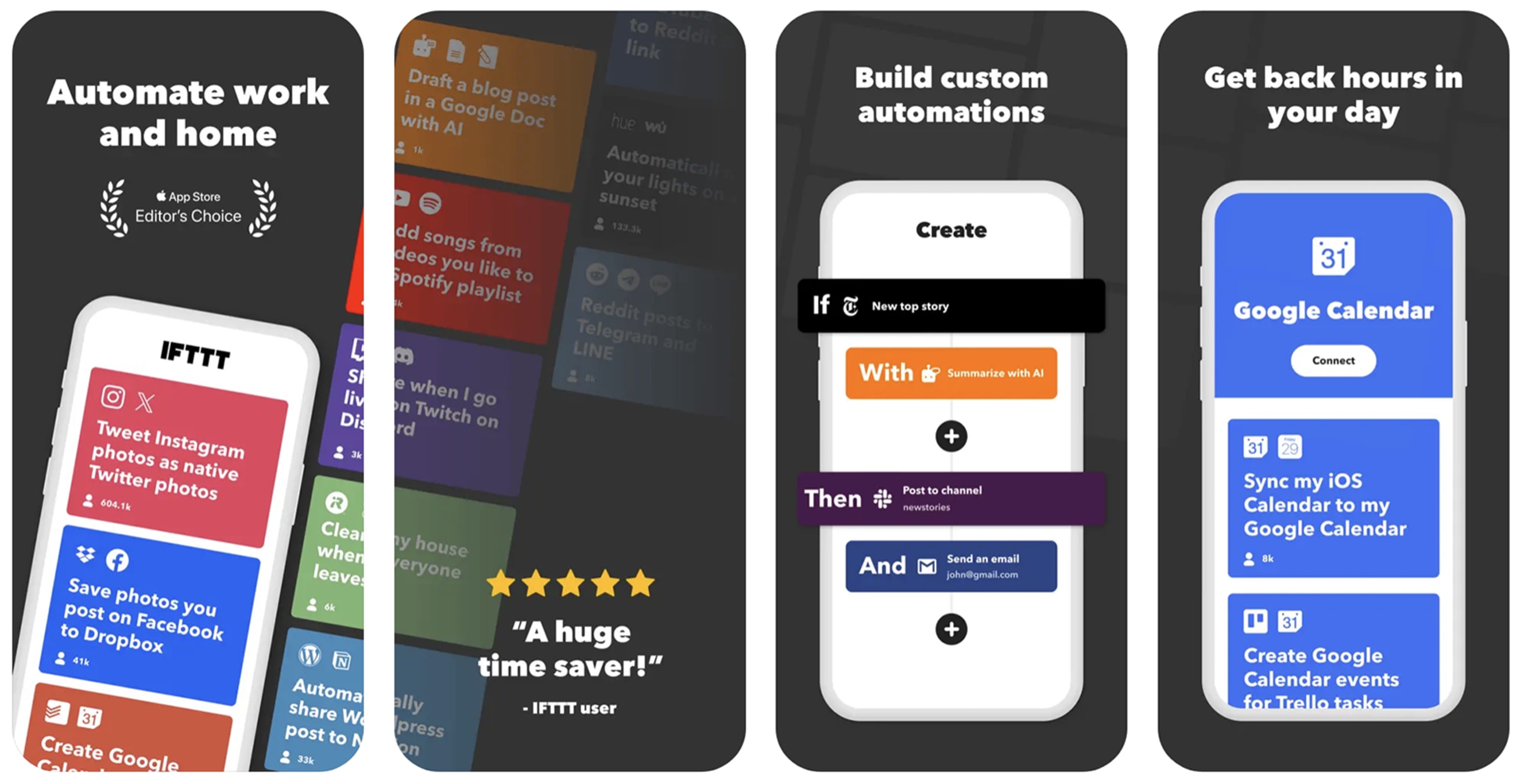
Beyond built-in tools, a ecosystem of apps awaits. For task management, Todoist or Microsoft To Do offer intuitive interfaces with reminders and collaboration features. Calendar apps like Google Calendar sync across devices, allowing you to block time for deep work. Voice assistants – Siri, Google Assistant, or even emerging AI like Grok – can dictate notes or set reminders hands-free, minimizing screen interaction.
For creative professionals, apps like Notion combine notes, databases, and project boards into one hub. A 2026 survey by App Annie revealed that productivity app downloads surged 15% year-over-year, driven by remote work trends. Mindfulness apps, such as Headspace or Calm, integrate meditation sessions to combat digital fatigue. “Incorporating short mindfulness breaks via app has improved my decision-making,” says Dr. Vasquez.
The Art of Digital Detox: Stepping Back to Move Forward
While optimization is key, periodic disconnection is equally vital. Implement the 20-20-20 rule: Every 20 minutes, look 20 feet away for 20 seconds to ease eye strain. Avoid screens an hour before bed to preserve sleep quality – blue light disrupts melatonin, as per a 2025 sleep study in Nature.
Embrace weekly digital detoxes: One day without non-essential apps. In Jakarta’s fast-paced urban life, this can restore mental clarity. “My Sundays are now phone-free, dedicated to family and hobbies,” shares Lopez. Apps like Forest gamify focus by growing virtual trees during undistracted periods, adding a fun element.
Addressing Mental Health in the Smartphone Era
Smartphones’ impact on wellbeing can’t be ignored. The World Health Organization’s 2026 report links excessive use to rising anxiety levels among youth. Counter this with apps promoting positive habits: Duolingo for learning, or fitness trackers like Strava. Meditation apps provide guided sessions to foster wisdom in usage.

Expert Patel advises, “Treat your phone like a tool, not a companion. Set boundaries to nurture real-world connections.” In regions like Southeast Asia, where social media influences cultural norms, this mindful approach is transformative.
Future-Proofing Your Habits: Emerging Tech and Trends
Looking ahead, AI integrations promise smarter usage. Features like predictive app suggestions and automated summaries could further enhance efficiency. However, privacy concerns loom – always review permissions.
In conclusion, mastering your smartphone requires intention. By implementing these tips – from home screen tweaks to detox rituals – you can achieve greater productivity and wisdom. As Dr. Vasquez puts it, “In 2026, the wisest users aren’t those with the latest gadget, but those who control it.” Start small, track progress, and watch your digital life align with your aspirations.
Frequently Asked Questions (FAQ): Effective and Wise Smartphone Usage for Greater Productivity
1. Why does my smartphone make me less productive even though it has so many useful apps?
Smartphones are designed to grab and hold attention through notifications, colorful interfaces, and endless content. A cluttered home screen or constant alerts fragment your focus, leading to “attention residue” — the mental drag after switching tasks. Studies show the average person checks their phone 150+ times a day, with each interruption costing up to 23 minutes to refocus.
Quick fix: Start with a minimalist home screen — place only high-value apps (calendar, notes, to-do, email) front and center. Hide or remove social media and entertainment apps. This small change alone can boost daily productivity noticeably.

2. How do I actually set up my home screen to be more productive?
- Audit your apps: Delete or move time-wasters (e.g., TikTok, Instagram) to a hidden folder or the app library.
- Prioritize: Put work/study apps (Google Calendar, Notes, Todoist, email) on the main screen. Use widgets for quick glances at your schedule or tasks.
- Folders: Group similar low-priority apps (games, shopping) into one folder labeled “Extras” or “Later”.
- Widgets & layout: Add calendar widgets, habit trackers, or to-do lists so key info is visible without opening apps.
Many users report cutting mindless phone use by 40–60% after this reorganization.
3. What are the best built-in tools to limit screen time?
Both iOS and Android have powerful features:
- iOS: Screen Time → App Limits, Downtime, Focus modes.
- Android: Digital Wellbeing → App timers, Focus mode, Bedtime mode, Wind Down (grayscale at night).
Enable grayscale mode (in Accessibility settings) to make the screen less appealing — many people find they naturally pick up their phone less often.


4. How can I use the Pomodoro technique on my phone?
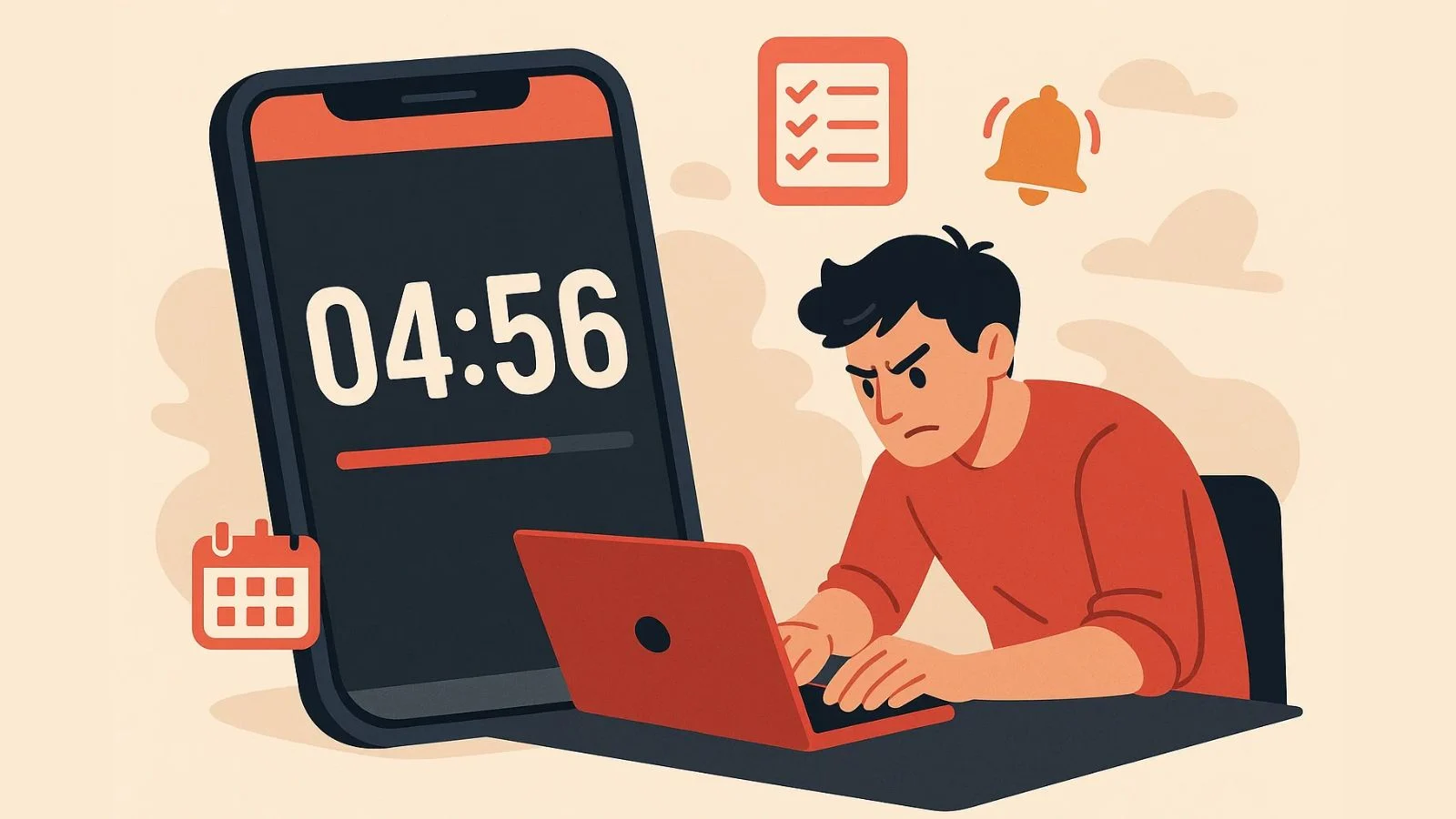
The Pomodoro method (25 minutes focused work + 5-minute break) is highly effective for building concentration.
Steps:
- Use your phone’s built-in timer or download a free Pomodoro app (e.g., Focus Booster, Forest).
- Set 25 minutes → work without touching other apps.
- Take a 5-minute break → stretch, hydrate, no phone scrolling.
- After 4 cycles, take a longer 15–30 minute break.
This technique increases task completion rates by about 25% according to recent productivity research.

5. Notifications keep ruining my focus — how do I fix this?
Notifications are the #1 distraction source.
Effective strategies:
- Turn off non-essential notifications (social media, news, games).
- Allow only critical ones: calls, messages from key contacts, work calendar.
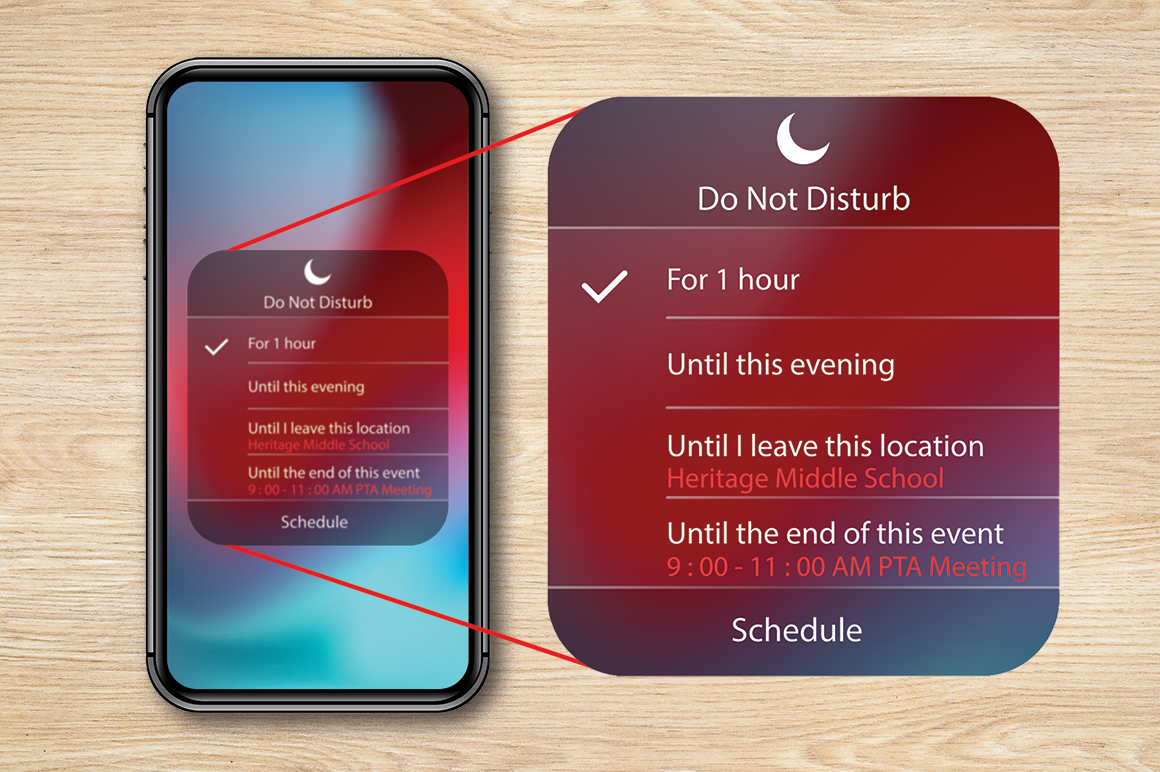
- Use Focus / Do Not Disturb modes during work/study hours.
- Enable notification summaries (batched delivery 1–3 times a day) so you aren’t pinged constantly.
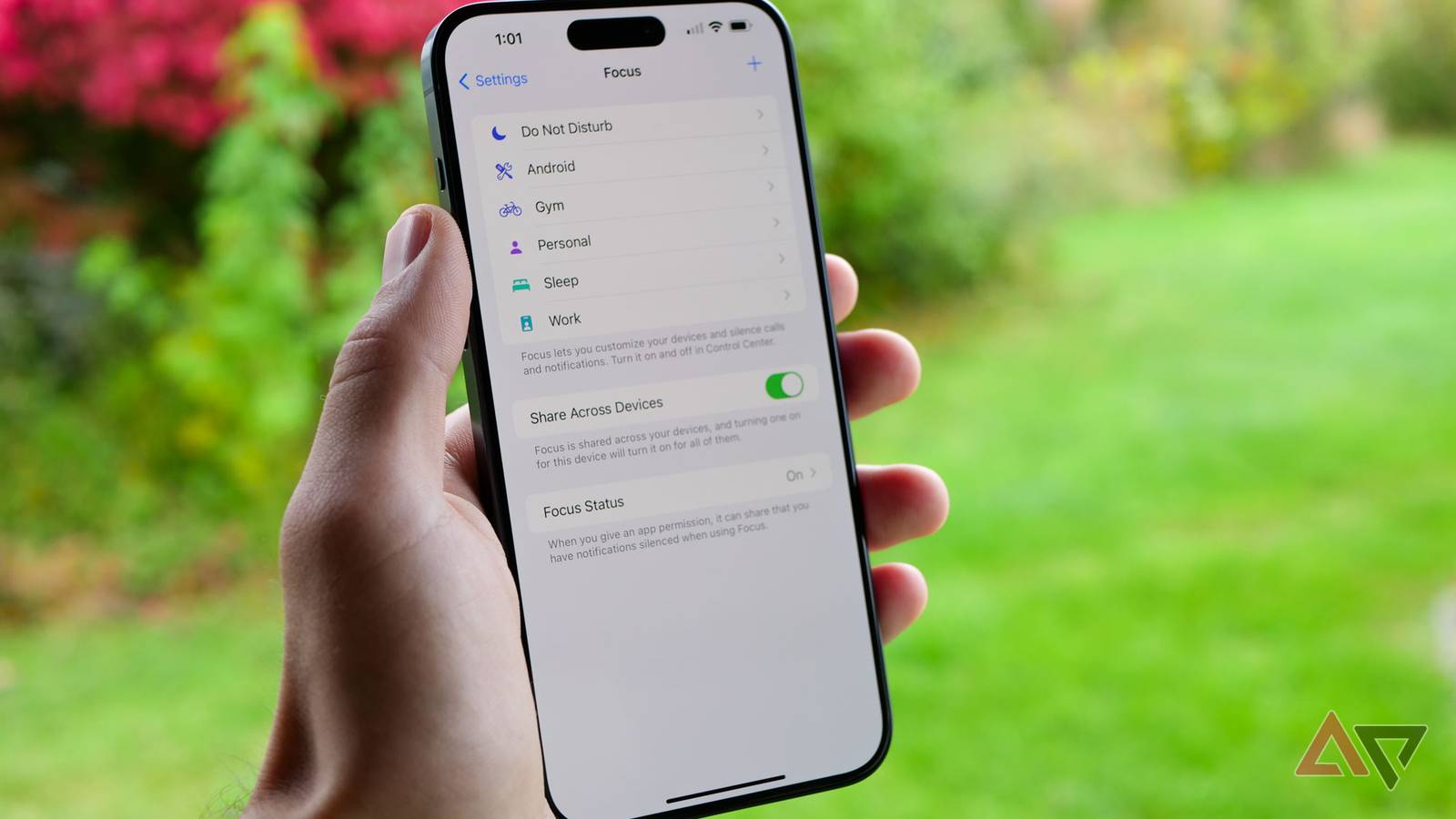
- Create custom Focus profiles: “Work”, “Study”, “Family”, “Sleep” — each blocks different apps.

6. Is a full digital detox realistic? How do I start small?
A complete detox isn’t necessary for most people — instead, build “smart boundaries”.
Easy starting points:
- No phone during meals or the first 30 minutes after waking.
- 20-20-20 rule for eye health: Every 20 minutes, look 20 feet away for 20 seconds.
- One “no-phone hour” daily (e.g., reading, walking, family time).
- Weekly detox day: Limit to calls/texts only, or leave the phone in another room.
Many report better sleep, mood, and real-world connections after consistent small detoxes.

7. Which apps actually help with productivity (not just waste time)?
Top recommendations (2026):
- Task management: Todoist, Microsoft To Do, Google Tasks.
- Notes & organization: Notion, Evernote, Google Keep.
- Focus & timers: Forest (gamified focus), Focus@Will, Tomato Timer.
- Calendar & reminders: Google Calendar or Apple Calendar with widgets.
- Mindfulness: Headspace, Calm (short sessions to reset).
Start with 2–3 apps max — too many create more distraction.
8. How do I stop doom-scrolling late at night?
- Enable Bedtime / Wind Down mode (grayscale + Do Not Disturb starts automatically).
- Set a hard “phone curfew” — charge in another room 1 hour before bed.
- Replace scrolling with positive alternatives: read an e-book, journal, or listen to a podcast/audiobook.
- Track progress: Most people see sleep quality improve within 1–2 weeks.