In Indonesia’s booming digital economy, where over 210 million people are online and e-commerce grows 20%+ annually, a professional website is essential for business success. WordPress powers more than 43% of the world’s websites and remains the top choice for SMEs, startups, and enterprises in Jakarta and beyond. Its open-source nature, vast plugin ecosystem, and continuous updates make it ideal for building scalable online presences without breaking the bank.
This comprehensive guide (approximately 4,000 words) covers everything from setup and optimization to advanced strategies, 2026 trends (AI integrations, High-Performance Order Storage, headless options, accessibility), plugin recommendations, alternatives comparison, and tips tailored for Indonesian businesses. Illustrations are included throughout for visual reference.
1. Why WordPress Remains the Best Choice for Business Growth in 2026
WordPress’s strengths make it unbeatable for most businesses:
- Full ownership and no vendor lock-in.
- Extremely cost-effective: free core + affordable hosting.
- Built-in SEO advantages (clean URLs, fast structure).
- Powerful e-commerce via WooCommerce.
- Massive community and Indonesian support (local forums, hosting providers).
In 2026, trends include AI-powered content tools, hybrid headless setups for speed, WCAG accessibility compliance, and interactive 3D elements for product showcases.

These images show clean, modern WordPress interfaces and professional business site examples.
2. Step-by-Step: Building a Professional Business Website with WordPress
Step 1: Hosting Selection Choose optimized WordPress hosting: Niagahoster Turbo, Rumahweb Cloud, or global options like SiteGround/Cloudways. Prioritize LiteSpeed servers, free SSL, and staging.
Step 2: Core Installation & Security One-click install → Update immediately → Install Wordfence or All in One Security.
Step 3: Theme Selection Use lightweight themes: Astra, GeneratePress, Kadence. Ensure mobile-first and block-theme support.
Step 4: Essential Plugins Strategic stack (limit 15–20):
- WP Rocket (performance)
- Rank Math (SEO)
- Wordfence (security)
- UpdraftPlus (backups)
- WooCommerce (e-commerce)
- MonsterInsights (analytics)

These illustrate plugin interfaces and best practices screens.
Step 5: Design & Conversion Use Full Site Editing for customization. Focus on thumb-friendly layouts, high-contrast text, and fast-loading elements.
Step 6: E-commerce Setup Install WooCommerce → Enable HPOS → Integrate Midtrans/Doku for local payments.


WooCommerce dashboard views for orders, products, and affiliate features.
Step 7: Professional Site Examples Real-world inspirations for fashion, services, or Jakarta-based businesses.
3. Advanced SEO Strategies for WordPress in 2026
- Achieve perfect Core Web Vitals.
- Use Rank Math for AI-optimized titles/meta/schema.
- Build topical authority with content clusters.
- Local SEO: Google Business Profile + Indonesian keywords.
SEO plugin visuals and optimization graphics.
4. Content Marketing, Lead Generation & Social Integration
Publish weekly blogs, use lead magnets (e-books/forms), integrate social feeds, and automate emails.
5. Security, Maintenance & Scaling
Enable 2FA, regular scans, auto-updates. Scale with CDN and caching.

Security icons and protection visuals.
6. WordPress vs. Alternatives: 2026 Comparison
WordPress excels in flexibility/SEO/cost. Shopify for pure e-commerce, Wix/Squarespace for simplicity.
Comparison charts and market visuals.
7. Final Action Plan for Indonesian Businesses
- Audit/migrate site.
- Optimize speed/SEO.
- Launch content calendar.
- Integrate local payments.
- Monitor monthly.
WordPress empowers Indonesian businesses to compete globally. Implement these steps and watch your online growth accelerate.
Frequently Asked Questions (FAQ): Tips for Leveraging WordPress to Grow Your Business in 2026
1. Why is WordPress still the best choice for business websites in 2026?
WordPress powers over 43% of the web because it offers full ownership (no vendor lock-in), extreme customization via themes/plugins, superior SEO foundations, cost-effectiveness (free core + affordable hosting), and strong e-commerce with WooCommerce. In 2026, it excels with AI tools for content/SEO, faster performance (HPOS for 5x quicker orders), accessibility compliance (WCAG 2.2), and hybrid headless options for ultra-fast sites.
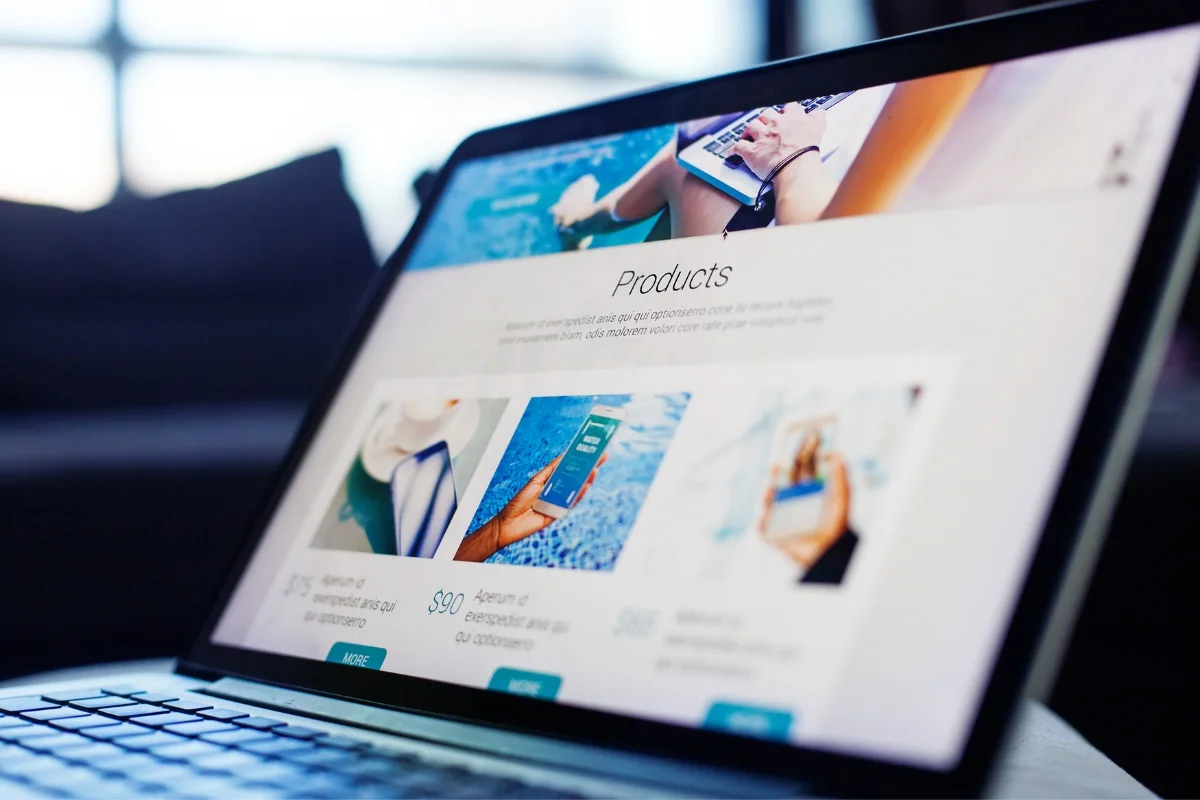
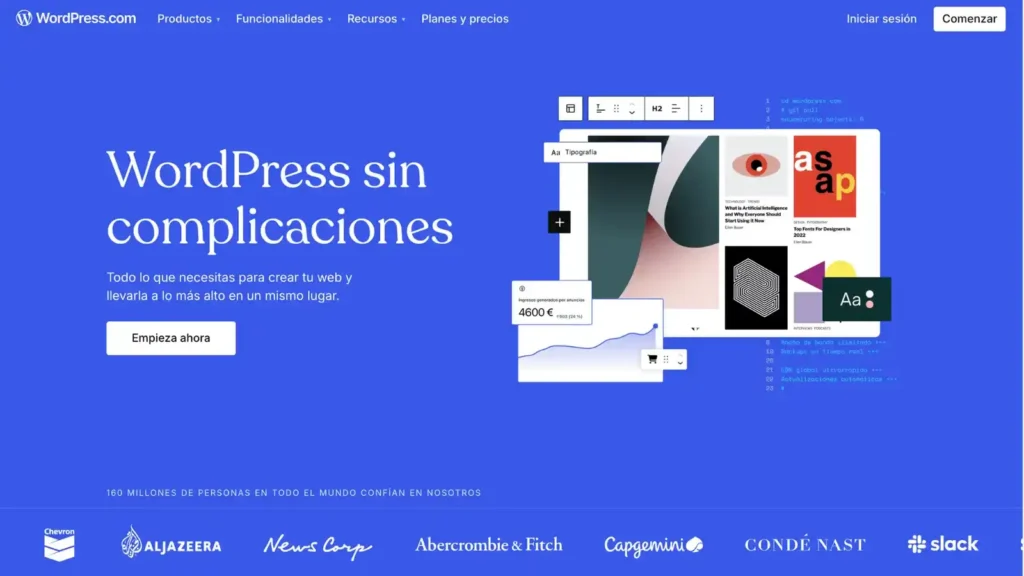
These examples show modern, professional WordPress business homepages.
2. What hosting should Indonesian businesses choose for WordPress?
For best performance in Indonesia:
- Local providers: Niagahoster (Turbo plan), Rumahweb Cloud, Exabytes – fast local servers, LiteSpeed, free SSL.
- Global managed: SiteGround, Cloudways, Kinsta – excellent CDN coverage for SEA. Prioritize: 99.9% uptime, automatic backups, staging sites, and object cache support.
3. Which themes and page builders are recommended in 2026?
Lightweight & fast: Astra, GeneratePress, Kadence (all Gutenberg/block-optimized). Premium with builders: Elementor Pro, Bricks Builder (visual drag-and-drop). Focus on: Mobile-first design, <50 KB load size, Full Site Editing support, and accessibility-ready features.
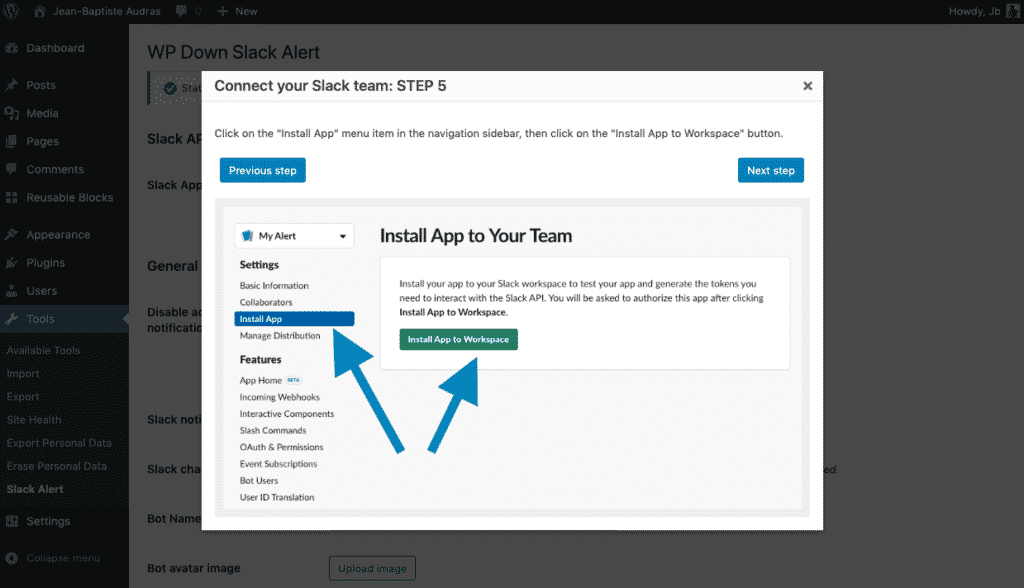
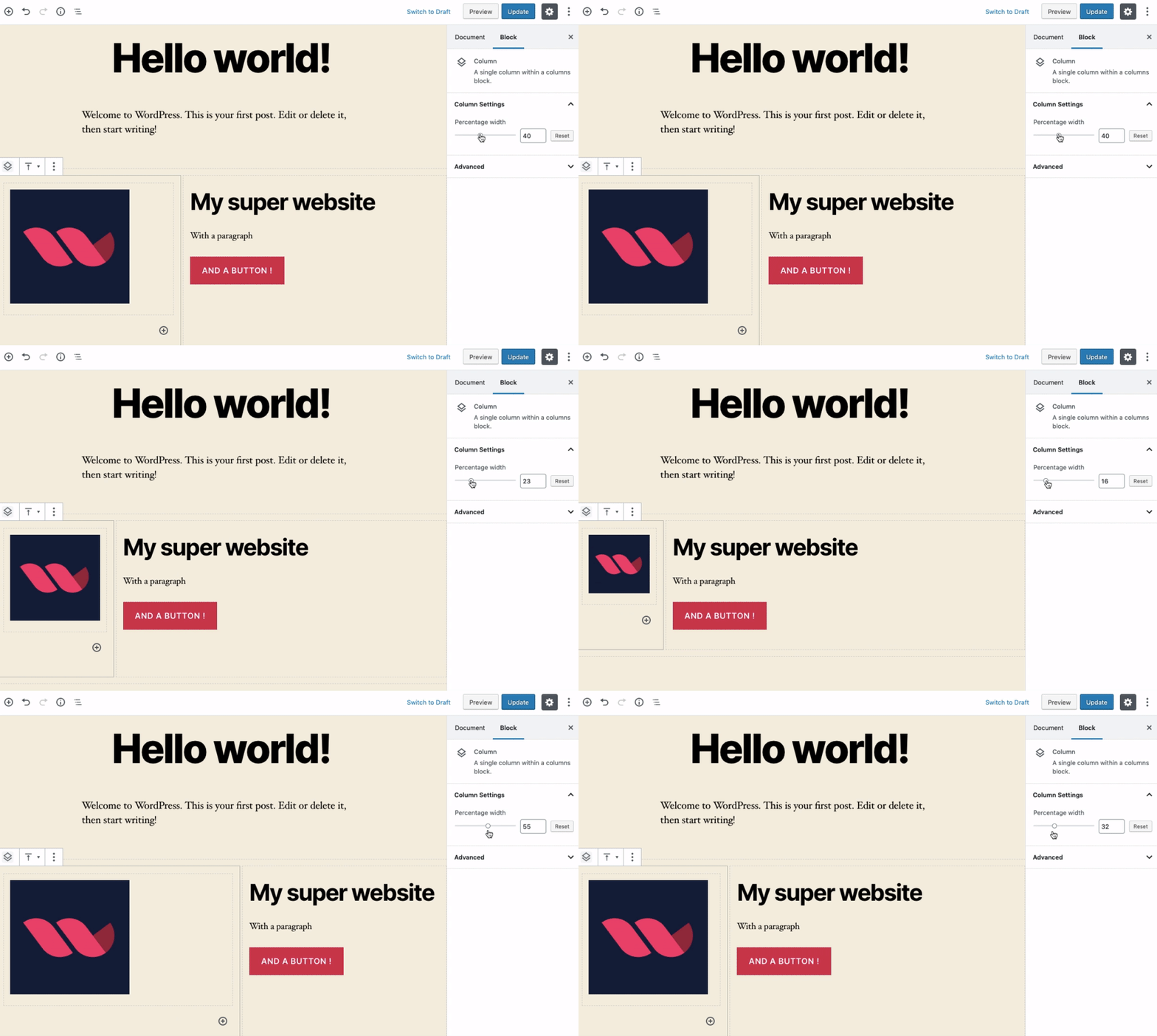
Screenshots of clean WordPress dashboards and editing interfaces.
4. What essential plugins should every business install (without bloating the site)?
Keep it under 15–20 plugins:
- Performance: WP Rocket or LiteSpeed Cache.
- SEO: Rank Math Pro (AI features).
- Security: Wordfence or All in One Security.
- Backups: UpdraftPlus.
- Forms: WPForms.
- Analytics: MonsterInsights (GA4).
- E-commerce: WooCommerce (enable HPOS).
- AI/Content: Emerging 2026 AI plugins for drafting/optimization.


SEO plugin interfaces (Rank Math/Yoast style) and optimization visuals.
5. How do I set up e-commerce with WordPress/WooCommerce in 2026?
Install WooCommerce (free) → Enable High-Performance Order Storage (HPOS) in settings for faster processing. Add local Indonesian integrations: Midtrans, Doku, OVO for payments; JNE/Tiki for shipping. Extensions: AutomateWoo (abandoned carts), YITH Wishlist. Ideal for mid-sized stores wanting full control and low fees.
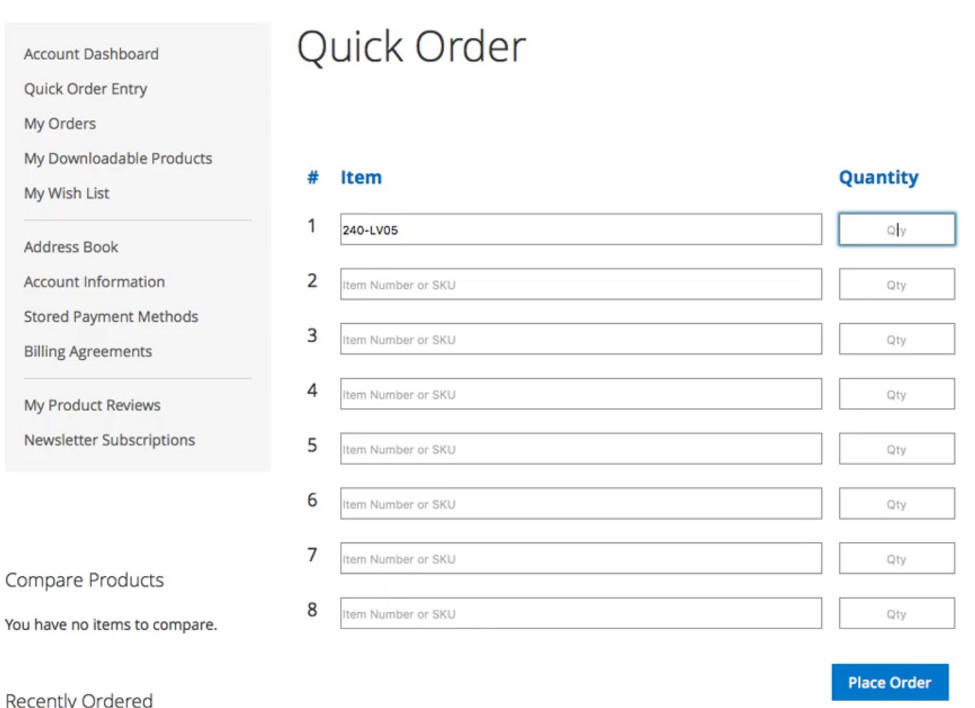
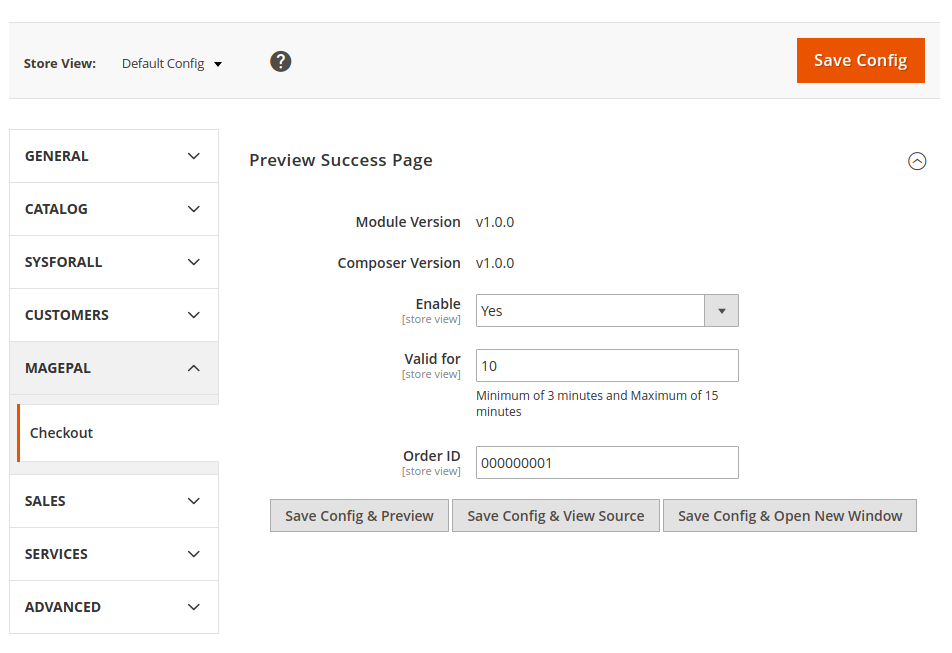
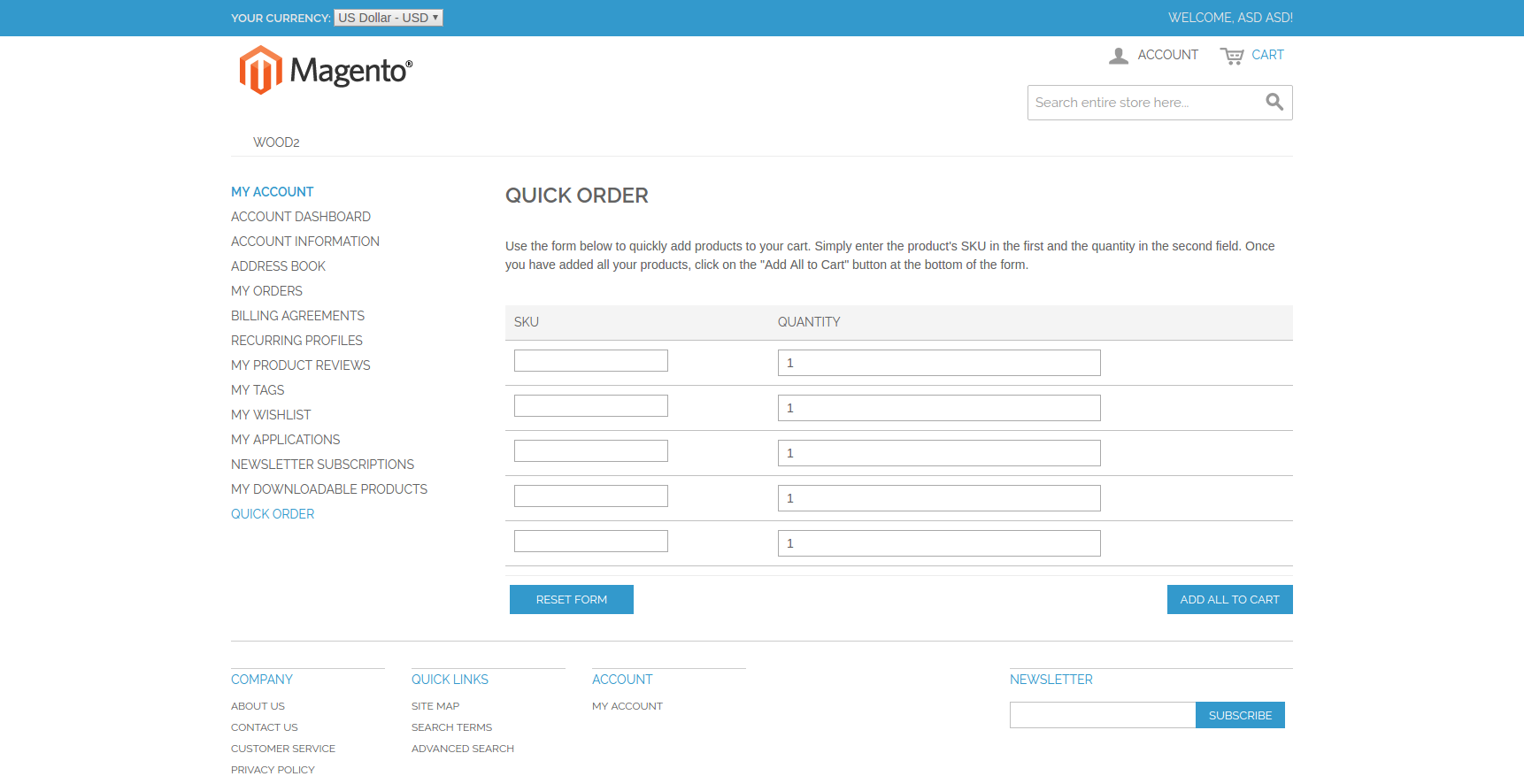
WooCommerce admin panels for products, orders, and quick features.
6. How can I improve SEO on my WordPress site effectively?
Use Rank Math or Yoast → Optimize titles/meta (AI suggestions), focus keywords, schema markup (Product/LocalBusiness), alt text, internal links. Technical: Achieve perfect Core Web Vitals (compress images to WebP/AVIF, minify files, CDN). Content: Build topical clusters, target long-tail Indonesian/English queries, update old posts.
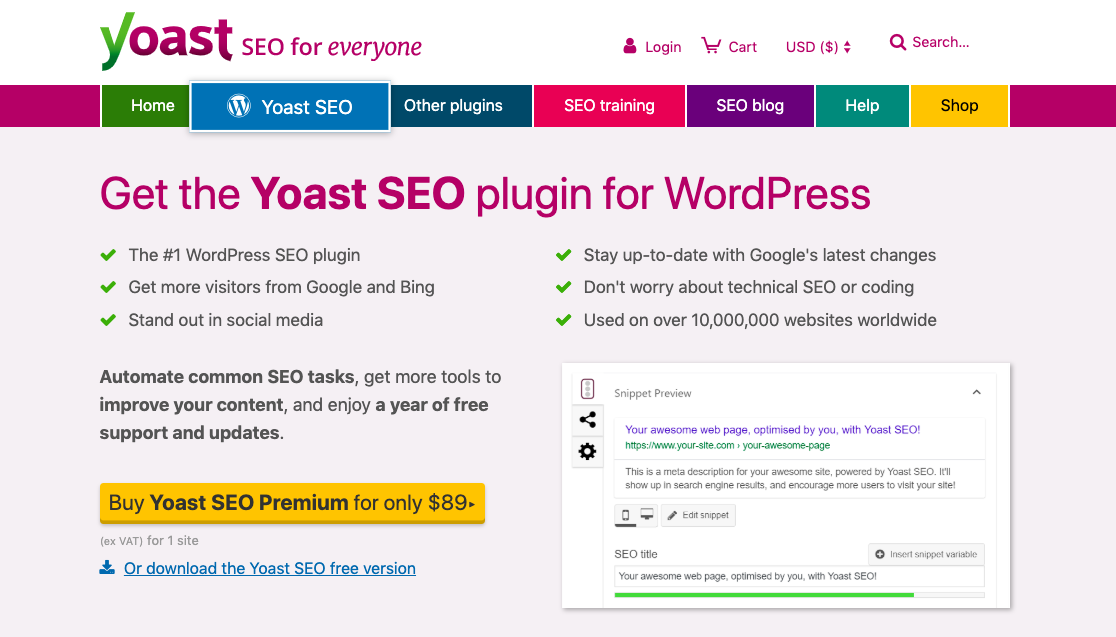
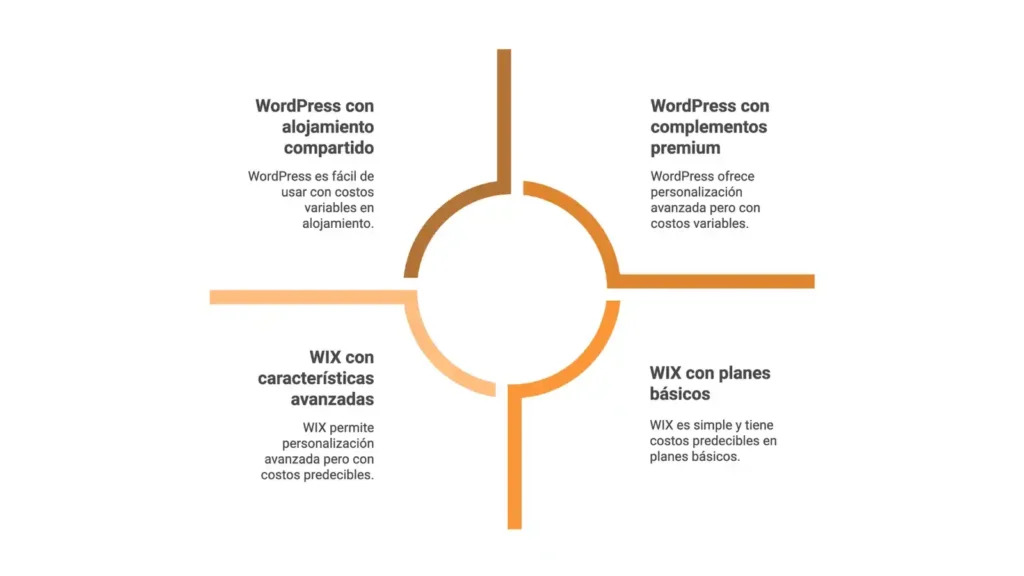
Comparison visuals and SEO setup examples (including vs. other platforms).
7. How do I keep my WordPress site secure in 2026?
Install security plugin (Wordfence) → Enable 2FA (via plugin), limit login attempts, auto-updates. Use strong passwords, regular scans, SSL everywhere. Schedule backups (daily off-site via UpdraftPlus). Monitor for malware in real time.

Security dashboard views and protection icons.
8. WordPress vs. Shopify, Wix, Squarespace—which is better for my business?
- WordPress + WooCommerce: Best for content + commerce, full ownership, superior SEO, low cost, high customization.
- Shopify: Easier for pure online stores, built-in payments/inventory, but higher fees (2–5%), less SEO control.
- Wix/Squarespace: Beginner-friendly drag-and-drop, beautiful templates, but limited scalability and higher long-term costs.
Choose WordPress if you want flexibility and growth potential.
9. How can Indonesian businesses make the most of WordPress locally?
Use local hosting (Niagahoster/Rumahweb), integrate Midtrans/Doku/OVO, support Bahasa Indonesia + English (WPML/Polylang), optimize for Jakarta/Bandung searches, add Google Business Profile schema.